
Technology isn’t just for businesses anymore. Today’s homes rely on complex networks, smart devices, security systems, streaming platforms, remote work setups, and connected appliances — all working together.
But when something breaks, slows down, or becomes vulnerable to cyber threats, most homeowners don’t have a dedicated IT department to call.
That’s where professional residential IT support makes all the difference.
In this article, we’ll explore the benefits of having IT support for your home — and provide recommendations for creating a secure, reliable home technology environment.
1. Stronger Cybersecurity for Your Family
Cyber threats aren’t just targeting businesses anymore. Home networks are increasingly vulnerable to:
-
Phishing attacks
-
Ransomware
-
Identity theft
-
Compromised smart home devices
-
Unauthorized WiFi access
Many residential routers are never properly configured. Default passwords remain unchanged. Firmware updates go ignored.
Professional residential IT support ensures:
-
Secure router configuration
-
Strong firewall protection
-
Encrypted WiFi networks
-
Proper password management
-
Smart device segmentation
-
Ongoing updates and monitoring
When your home network is secured properly, you dramatically reduce the risk of data theft and digital intrusion.
2. Reliable WiFi Throughout the Entire Home
Few things are more frustrating than:
-
Dead WiFi zones
-
Buffering video calls
-
Slow streaming
-
Gaming lag
-
Dropped connections
Modern homes require more than a basic internet provider router. With dozens of connected devices in most households, network optimization is critical.
Professional IT support can:
-
Design a proper mesh WiFi system
-
Install enterprise-grade access points
-
Optimize bandwidth allocation
-
Improve coverage across large properties
-
Reduce interference and congestion
The result? Fast, stable internet everywhere — not just near the router.
3. Support for Remote Work & Home Offices
Remote work is now a permanent reality for many professionals. That means your home office must function like a business environment.
Residential IT support ensures:
-
Secure VPN setup
-
Reliable wired connections for critical systems
-
Backup internet solutions
-
Proper firewall configurations
-
Secure cloud access
-
Video conferencing optimization
A stable home office setup improves productivity, reduces downtime, and protects sensitive company data.
4. Smart Home Optimization
Smart homes are convenient — but only when they work properly.
From security cameras to smart thermostats, lighting systems, doorbells, and automation hubs, integration can become complicated quickly.
Professional IT support can:
-
Properly configure smart devices
-
Secure IoT devices from cyber threats
-
Integrate systems seamlessly
-
Troubleshoot connectivity issues
-
Ensure reliable remote access
Instead of frustration, you get convenience — the way smart homes are meant to function.
5. Data Backup & Disaster Protection
Most families store years of photos, financial records, and personal documents digitally.
But very few have proper backups in place.
Residential IT support helps protect what matters most through:
-
Automated cloud backups
-
Local encrypted backup solutions
-
Redundant storage strategies
-
Data recovery planning
-
Protection from ransomware
Losing personal data can be devastating. Proactive protection prevents that risk.
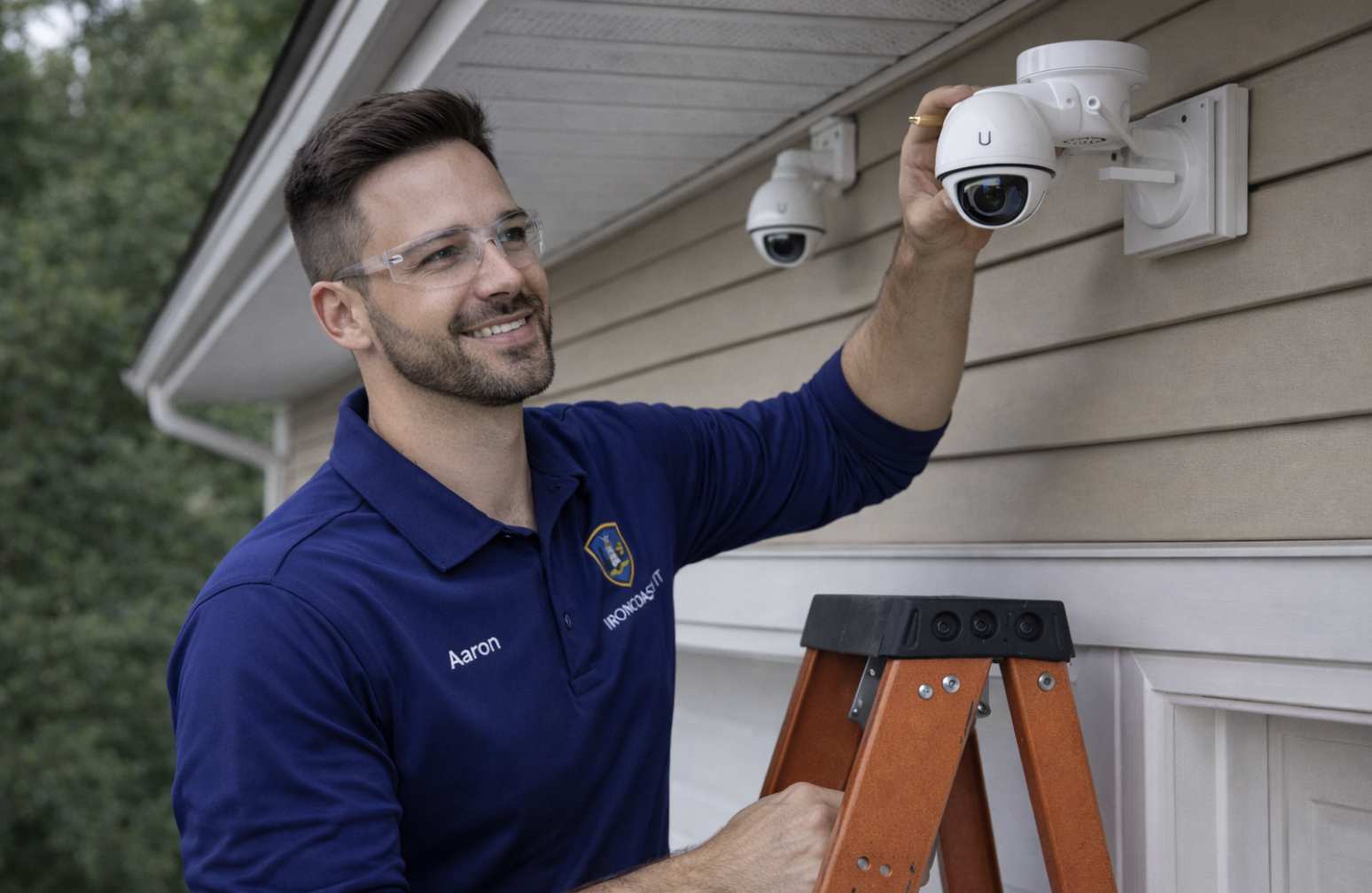
6. Professional Installation of Security Systems
Home security cameras, alarm systems, and smart doorbells must be installed properly to be effective.
IT professionals ensure:
-
Secure camera placement
-
Proper network segmentation
-
Remote access configuration
-
Secure recording storage
-
Ongoing firmware updates
Without professional setup, security systems can become entry points for cyber intruders.
Residential IT Recommendations
If you’re looking to improve your home technology environment, here are professional recommendations:
✔ Upgrade Your Router
Avoid relying solely on ISP-provided hardware. Invest in enterprise-grade or business-class networking equipment.
✔ Segment Smart Devices
Keep IoT devices on a separate network from personal computers and work devices.
✔ Implement Automated Backups
Use both cloud and local backup solutions for redundancy.
✔ Use Strong Password Management
Implement password managers and multi-factor authentication wherever possible.
✔ Keep Firmware Updated
Regular updates protect against known vulnerabilities.
✔ Consider Ongoing IT Support
Instead of waiting for something to break, proactive monitoring keeps your home network secure and optimized.
The Peace of Mind Factor
One of the most overlooked benefits of residential IT support is peace of mind.
You don’t have to troubleshoot late at night.
You don’t have to guess whether your network is secure.
You don’t have to worry about losing irreplaceable data.
You have a professional partner who ensures your technology works reliably and securely.
Final Thoughts
As homes become more connected, the line between residential and business-level technology continues to blur.
Professional residential IT support is no longer a luxury — it’s a smart investment in security, reliability, and convenience.
Whether it’s securing your network, optimizing WiFi, protecting your data, or supporting your remote work setup, expert IT services ensure your home technology works the way it should.