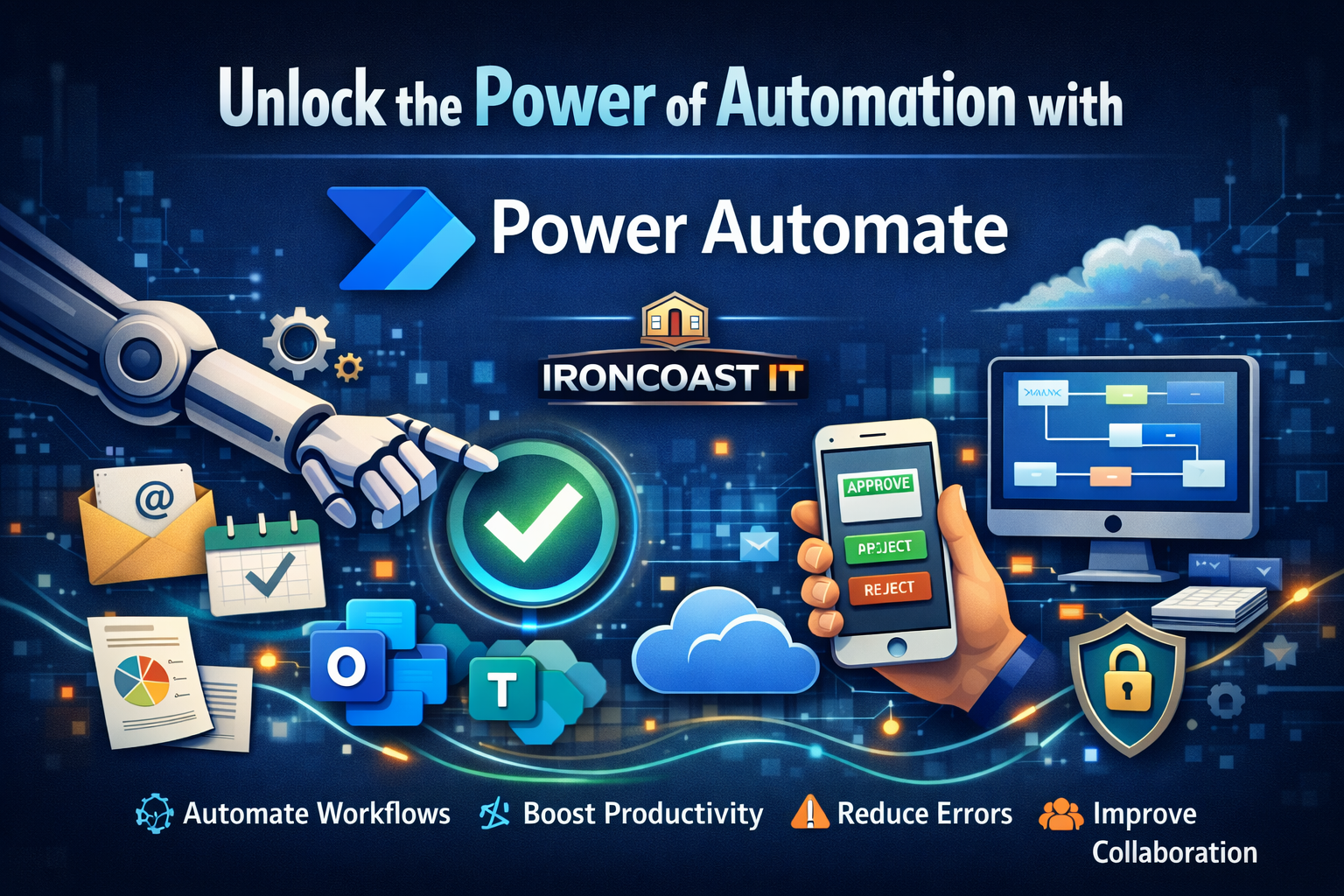

In today’s fast-paced business environment, efficiency isn’t optional — it’s essential. Companies are constantly looking for ways to streamline operations, reduce manual tasks, and improve accuracy. That’s where Microsoft Power Automate comes in.
At IronCoast IT, we help businesses leverage smart automation tools to work faster, smarter, and more securely. Power Automate is one of the most powerful tools in the Microsoft ecosystem for achieving exactly that.
Let’s explore the key benefits and what you can actually do with it.
What is Power Automate?
Power Automate is a cloud-based automation platform that allows businesses to create workflows between apps and services. It connects Microsoft 365, SharePoint, Teams, Outlook, Dynamics, and hundreds of third-party applications to automate repetitive processes.
Think of it as your digital operations assistant — handling routine tasks so your team can focus on higher-value work.
Key Benefits of Power Automate
- Save Time by Automating Repetitive Tasks
Manual processes like data entry, approvals, notifications, and file organization eat up valuable time. Power Automate removes these repetitive tasks by running them automatically in the background.
Example:
Automatically save email attachments to SharePoint and notify the team in Microsoft Teams.
- Reduce Human Error
Manual workflows often result in missed steps, incorrect data entry, or forgotten approvals. Automation ensures every step happens consistently and accurately.
Example:
Automatically validate form submissions and route them to the correct department without manual sorting.
- Improve Collaboration Across Teams
Power Automate integrates directly with Microsoft Teams, Outlook, SharePoint, and more. This means updates, approvals, and notifications happen in real time.
Example:
When a document is uploaded to SharePoint, automatically notify the relevant team channel in Teams.
- Faster Approval Processes
Approval bottlenecks slow businesses down. With automated approval workflows, managers can review and approve requests from anywhere — desktop or mobile.
Example:
Automate leave requests so they’re sent instantly to managers with approve/reject buttons.
- Increase Productivity Without Increasing Staff
Automation allows your existing team to accomplish more without increasing headcount. By eliminating low-value tasks, employees can focus on strategic work.
What Can You Do With Power Automate?
Here are practical use cases we implement at IronCoast IT:
🔹 Automate Invoice Processing
Extract invoice details and store them automatically in accounting systems.
🔹 Client Onboarding Workflows
When a new client form is submitted, automatically:
-
Create a SharePoint folder
-
Send welcome emails
-
Notify the internal team
-
Schedule follow-ups
🔹 IT Service Desk Automation
Create automated ticket logging from emails and notify technicians instantly.
🔹 Data Collection & Reporting
Automatically collect data from multiple systems and generate scheduled reports.
🔹 Security & Compliance Alerts
Set up automated alerts for suspicious activity or compliance issues.
Why Partner With IronCoast IT?
While Power Automate is powerful, designing efficient and secure workflows requires expertise. Poorly built automation can create bottlenecks instead of removing them.
At IronCoast IT, we:
-
Design custom automation strategies
-
Integrate securely with your Microsoft environment
-
Ensure compliance and governance
-
Provide ongoing support and optimization
We don’t just automate tasks — we optimize your business processes.
Ready to Automate Your Business?
If your team is spending too much time on manual admin work, it’s time to explore automation.
Power Automate isn’t just about convenience — it’s about creating a smarter, more agile business.
📩 Contact IronCoast IT today to discover how automation can transform your operations.